
For teachers and reading groups
Create a printable quiz from the pages you assigned
Your class is reading a specific chapter, passage, or article. Photograph those pages in ReadCheck to generate a short comprehension quiz, then print a student worksheet and answer key for your next lesson.
Your assigned text. One quiz for the group. A paper handout ready for class.
Sample student handout
See a worksheet and answer key
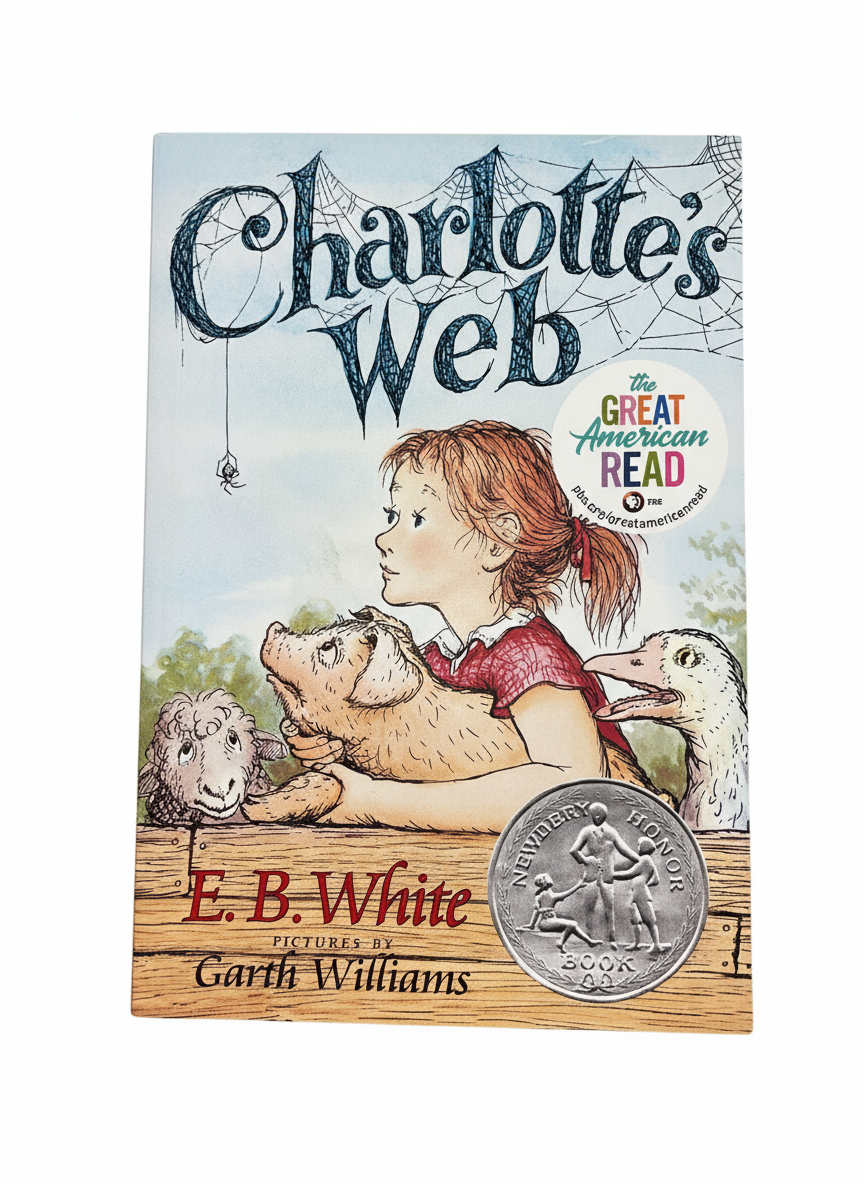 One assigned book
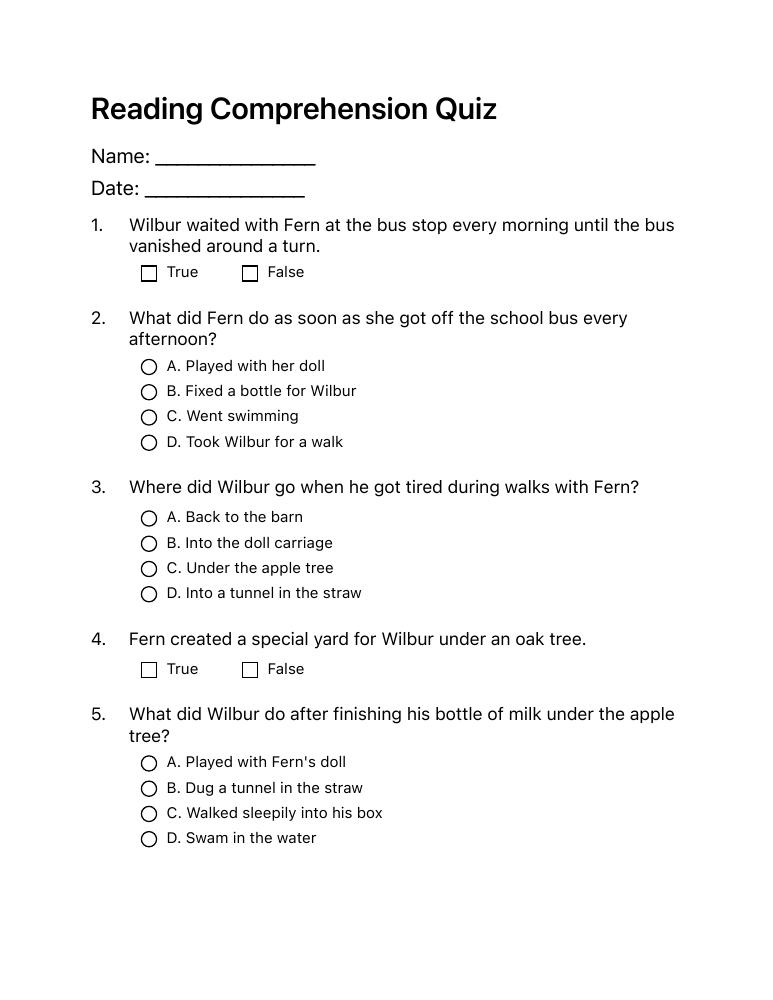
Browse this three-page sample quiz for Charlotte's Web, including its answer key. This shows the output only; the assigned book pages are not reproduced here. Review any generated questions against your own source pages before using them in class.
Make a quiz from your next assignment
Photograph the pages your class is reading, then create a printable worksheet and answer key for that text.
The right questions depend on the pages your students actually read
An existing book quiz may cover chapters you have not assigned. A generic worksheet may ask about a different passage altogether. Writing your own questions works, but it adds another task to lesson preparation.
ReadCheck starts with the pages you choose. It gives you a draft comprehension check for that reading, so you can spend your preparation time reviewing the questions and planning what to discuss with the group.
How it works
From assigned pages to a class handout
Select the reading.
Choose the pages of a physical book, a printed passage, or an article that your students have been assigned.
Photograph those pages.
Take clear photos in ReadCheck. The app generates questions from the text you provide, rather than from a book title or general summary.
Review and print.
Check each question and answer against the source. Use the resulting student worksheet and answer key for a quick class check, homework follow-up, or small group discussion.
In the classroom
Tomorrow's lesson starts with today's reading
Suppose your class reads pages 24 to 29 of a novel tonight. Photograph those pages and review the generated quiz. At the start of the next lesson, hand out the worksheet, let students answer on paper, and use the answer key to discuss the passage together.
The same process works when a reading group shares a nonfiction passage or the class reads an article before discussion. The quiz covers the pages you supplied, so choose the portion you want to check.
See a sample worksheet and answer keyA printable check for a device-free class period
Prepare the questions on your phone, then give students a paper worksheet. Keep the answer key for review. Students can work independently, compare evidence with a partner, or use the questions to begin a group conversation.
You bring the reading material; ReadCheck makes the quiz from your page photos. The worksheet is a companion to the text you assigned, not a replacement copy of the passage.
Check the assigned text, then teach from the answers
The best follow-up question is often, “Where did you see that in the passage?” Ask students to point to a sentence, explain their reasoning, or reconsider an answer after rereading. A short quiz can help you identify which parts of the shared reading deserve more discussion.
Before distributing any generated quiz, read it against the source yourself. Do not give students a question that misstates the text or depends on a page you did not assign.
After the quiz, ask
- “Where did you see that in the passage?”
- “Which sentence supports your answer?”
- “Would you change your answer after rereading?”
Questions teachers often ask
Can I make a quiz from the exact chapter or passage I assigned?
Do I have to use a book from a quiz catalog?
Can students complete the quiz on paper?
Can I use the quiz as an exit ticket or homework check?
Does ReadCheck grade completed paper worksheets automatically?
What if a generated question gets the passage wrong?
Students each reading their own book? See check-ins for independent reading, where each reader gets questions from the pages they chose.
Before you print
Use an original passage, student questions, and a reviewed key to evaluate your next handout. Read our reading comprehension worksheet generator guide.
Planning a check for a whole chapter? Read how to create a quiz from any book chapter.
Preparing from a science or social studies spread with tables and captions? See how to turn textbook pages into a worksheet.
Ready to use the answers at the next lesson? Try a chapter check-in quiz routine for shared reading.
Differentiate reading comprehension questions from the same text.
Compare AI reading comprehension generators by reading input and classroom output.
Explore more of ReadCheck
Make the next reading check from the reading you assigned
Choose the pages, review the questions, and bring a printable quiz to your next class or small group.